Real-Time Sync: Why Your Job Search Should Work Across Every Device
You're on the subway. A recruiter emails about a role you applied to last week. Your notes are on your laptop at home.
You vaguely remember the company and the role, but not the details of the conversation you had with their team. Not the research you did. Not the follow-up timing you planned.
Four hours later, you open your laptop and update your tracker. By then the recruiter has moved on. The moment is gone.
This happens constantly. Most job seekers don't even recognize it as a problem because they've accepted that their search lives on a single device. That acceptance is costing them opportunities.
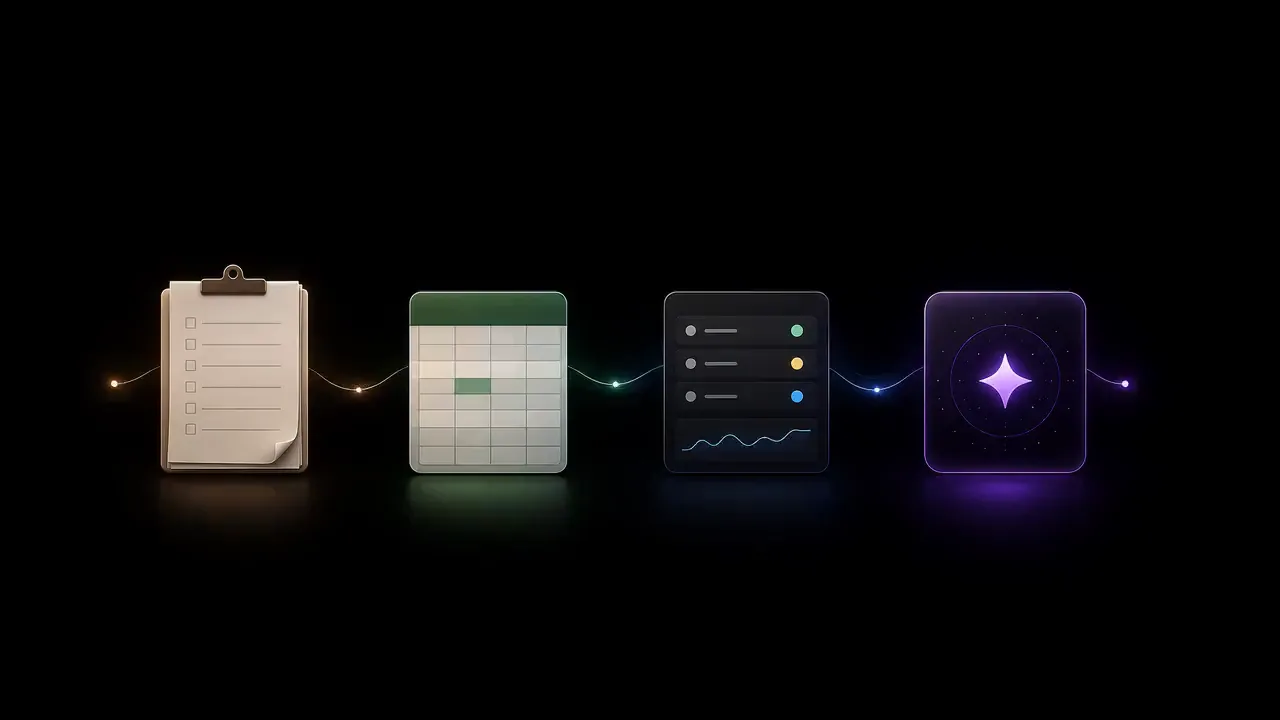
Why single-device trackers break
You don't live on one device
Pew Research (2025): 85% of adults switch between at least two devices during their workday. You save a job on your phone during lunch. Apply from your laptop in the afternoon. Check for updates on your tablet before bed. A tracker locked to one device fights against how you actually live.
Timing kills
In a competitive market, response time matters. If a recruiter asks for availability and you need to check your calendar on a different device, you lose minutes. If a contact sends a lead and you can't immediately check whether you've already applied, you waste time or worse, apply twice.
Context is the real asset
The most valuable thing in your search isn't data. It's context: notes from an interview, research on a company, follow-up timing you calculated. When that context is locked to one device, it's inaccessible exactly when you need it most.
What real-time sync actually means
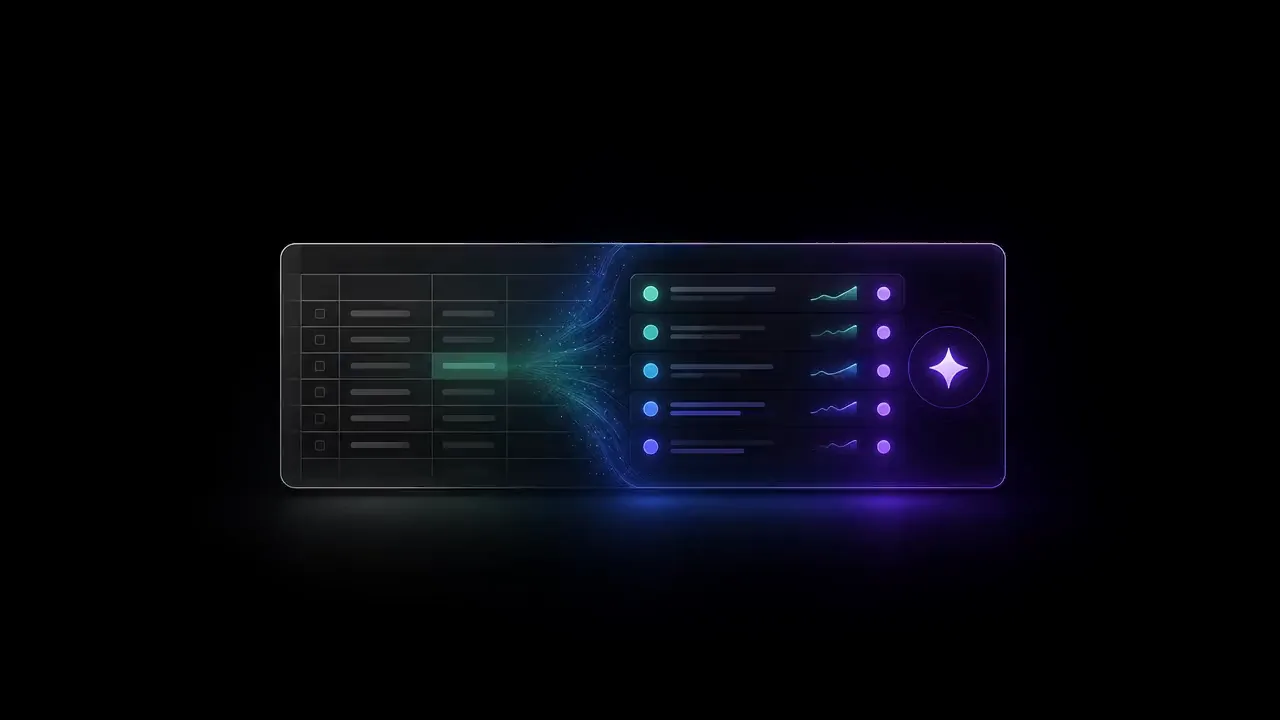
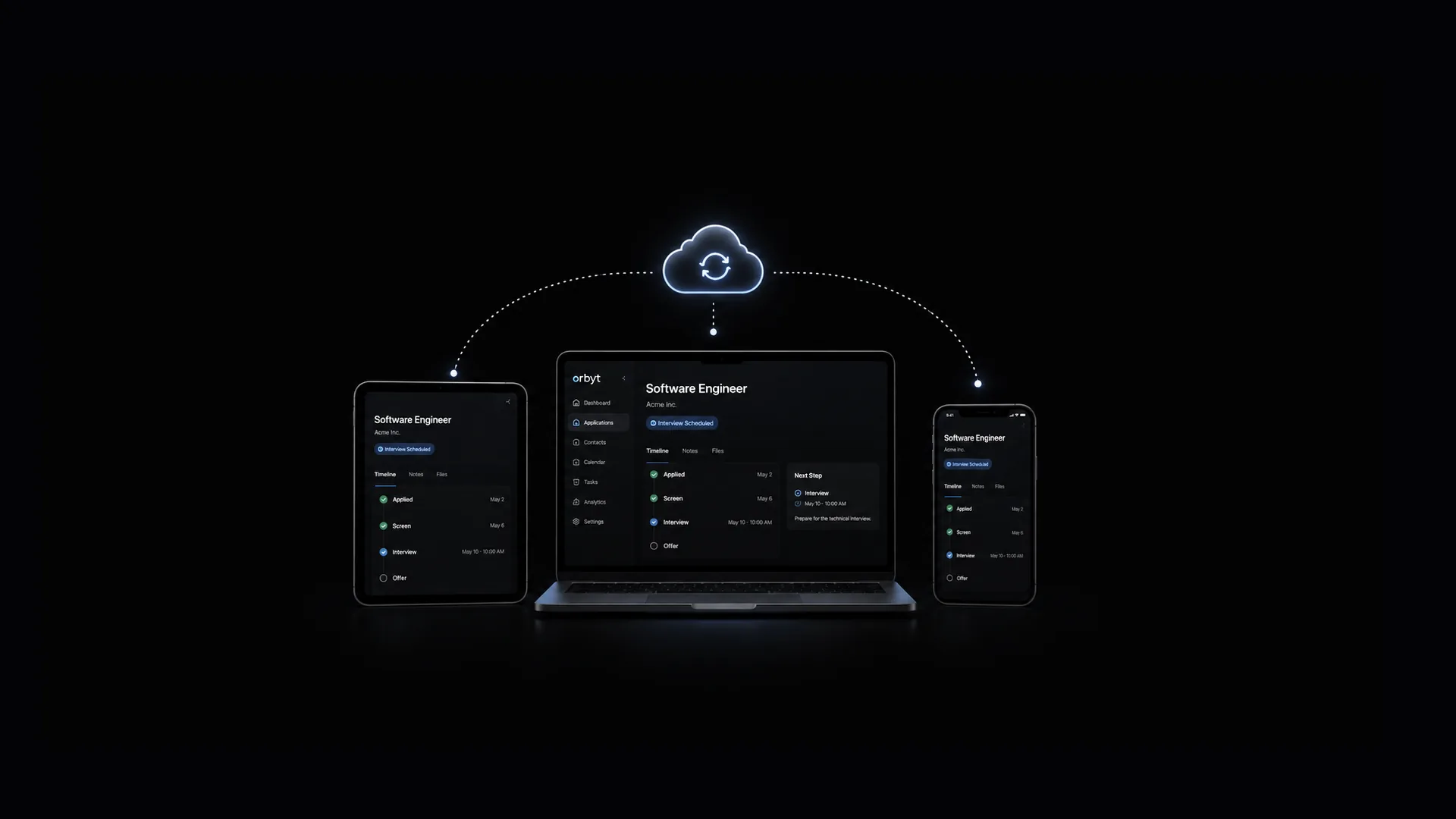
When you update something on one device, it appears on every other device within seconds. Not minutes. Not after a manual refresh. Seconds.
This requires more than cloud storage. It requires a system that:
- Detects changes instantly
- Pushes them to all active sessions simultaneously
- Handles conflicts when two devices change the same data
- Works offline and syncs on reconnect
- Is fast enough that you never notice a delay
How Orbyt builds this
Orbyt uses a dual-layer architecture:
Layer 1: Local-first speed
Every read and write hits localStorage first. The app is always fast, even on terrible connections. You never wait for a server round-trip.
Layer 2: Cloud persistence
After every local write, data pushes to Supabase in the background. If the push fails (offline, network drop), the write queues and retries automatically when connectivity returns.
Real-time distribution
When the cloud receives your update, it broadcasts to all other active sessions via WebSocket. Those sessions update local data and re-render. The full cycle, from action on Device A to update visible on Device B, typically takes under two seconds.
The green dot
A green dot on your profile avatar means the real-time connection is active. If it disappears, changes are still saved locally and will sync when connection recovers.
Offline resilience
Lose connectivity entirely? Orbyt keeps working. Every change saves locally and queues for sync. Reconnect and the queue flushes automatically. You never lose data. You never manually sync anything.
What a multi-device search looks like
Morning commute (phone): Check your pipeline. Review follow-ups. Respond to a recruiter with full context.
Work breaks (phone or tablet): Save a listing. Add a note. Update a status.
Home office (laptop): Deep work. Tailor resumes. Prep for interviews. Manage contacts.
Evening (tablet or phone): Quick pipeline review. Mood check-in. Plan tomorrow.
Every action immediately available on every device. No manual syncing. No exports. No version conflicts. Your search adapts to your life instead of the other way around.
Shared devices
Your data is tied to your authenticated session, not a browser or device. Sign out on a shared device, and your data clears from localStorage. Sign in on a new one, and everything hydrates from the cloud.
The bigger picture
Cross-device sync isn't a convenience feature. It's an architecture that respects how people actually work: fluidly, across devices, in the gaps between other activities.
Your job search is too important to be locked to one screen. When opportunities move fast and context matters, having your full pipeline everywhere isn't luxury. It's infrastructure.
Common questions
Why does my job tracker feel useless when I'm out and about?
Most job trackers are locked to a single device, so notes, research, and follow-up timing you recorded on your laptop aren't available when a recruiter emails you on the subway. By the time you get home and update the tracker, the recruiter has often already moved on, and the moment for a timely response is gone.
What does real-time sync actually mean for a job search app?
It means that when you update something on one device, it appears on every other device within seconds rather than minutes or after a manual refresh. This requires instantly detecting changes, pushing them to all active sessions, handling conflicts when two devices edit the same data, and working offline with sync on reconnect.
How does Orbyt keep data synced across devices without losing anything offline?
Orbyt writes every action to localStorage first for speed, then pushes it to Supabase in the background, broadcasting updates to other active sessions via WebSocket so changes typically appear on another device in under two seconds. If a push fails due to lost connectivity, the write queues locally and retries automatically once the connection returns.
Related research
- Is an Algorithm Silently Rejecting Your Resume? What the Research Actually Shows Research, Aug 2026.